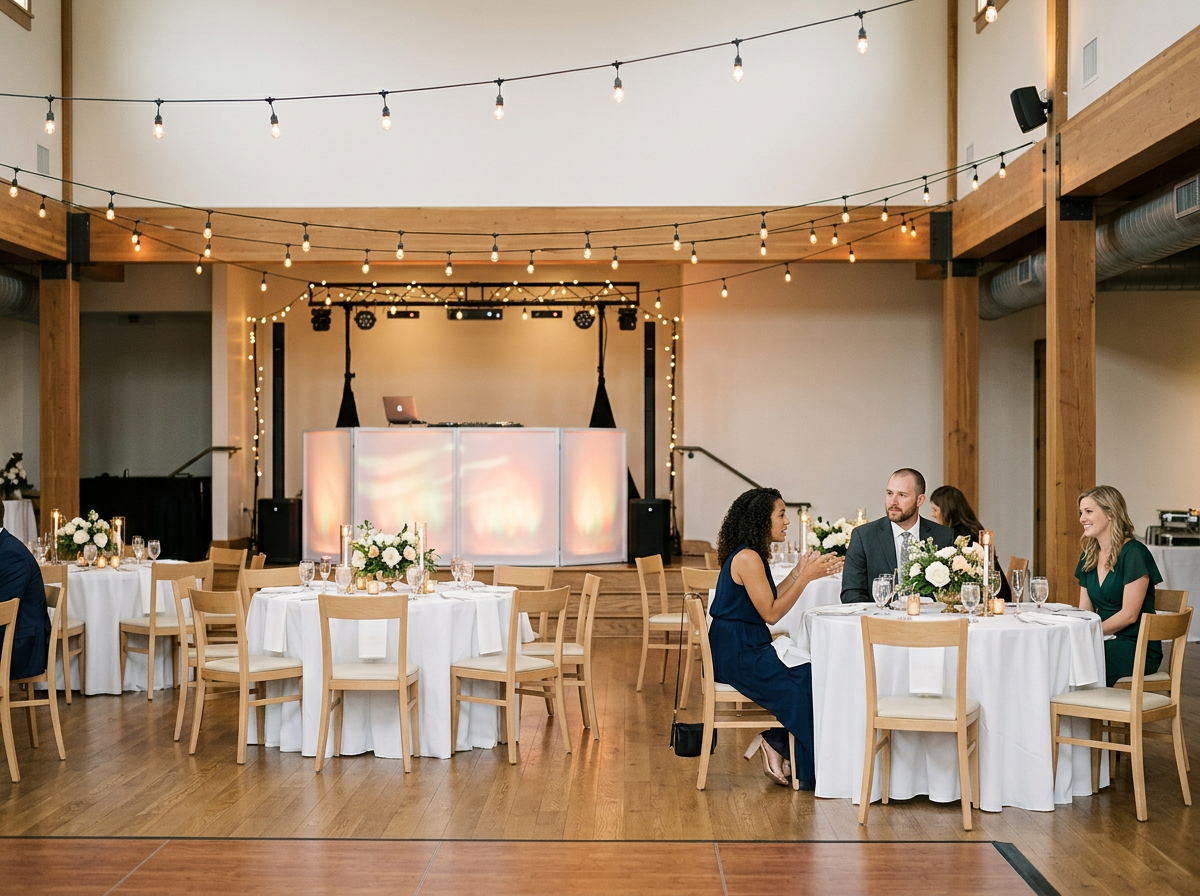
 Image 1 of 4
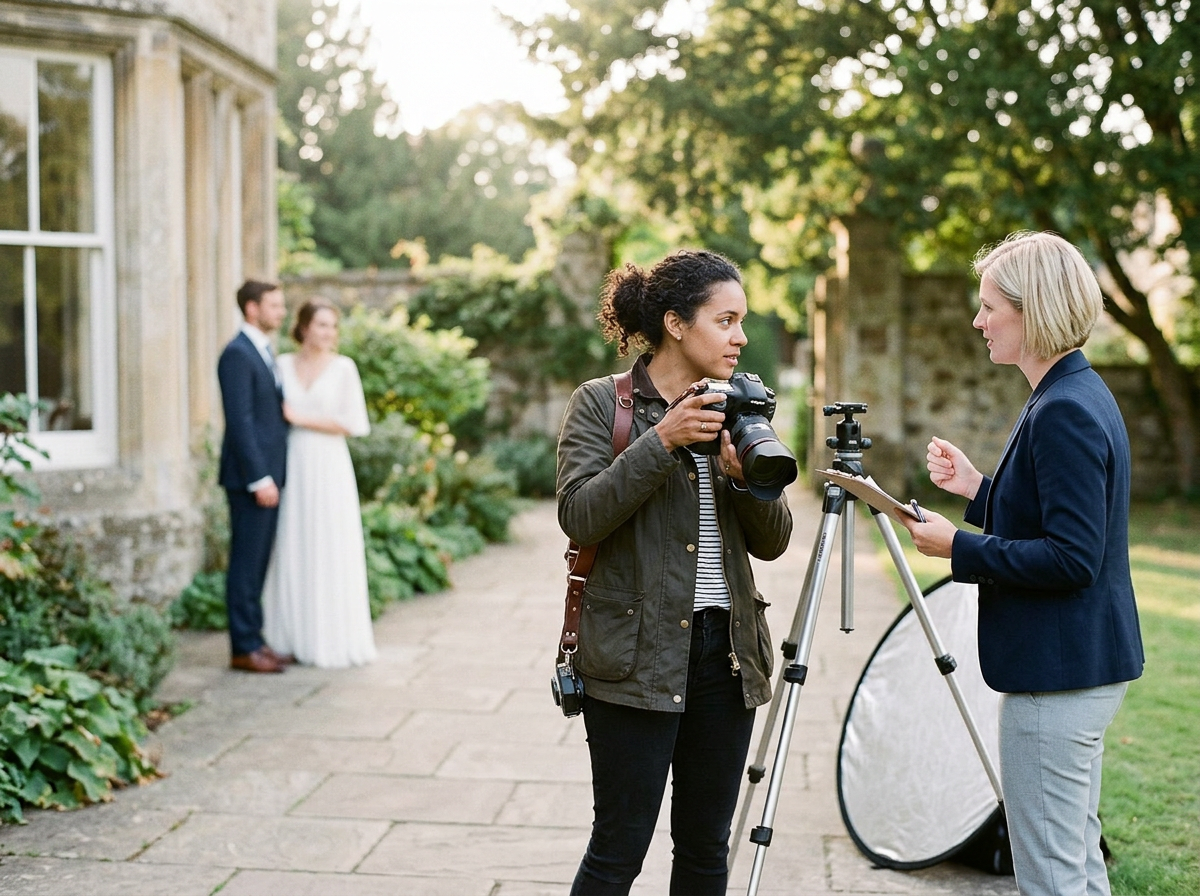 Image 2 of 4
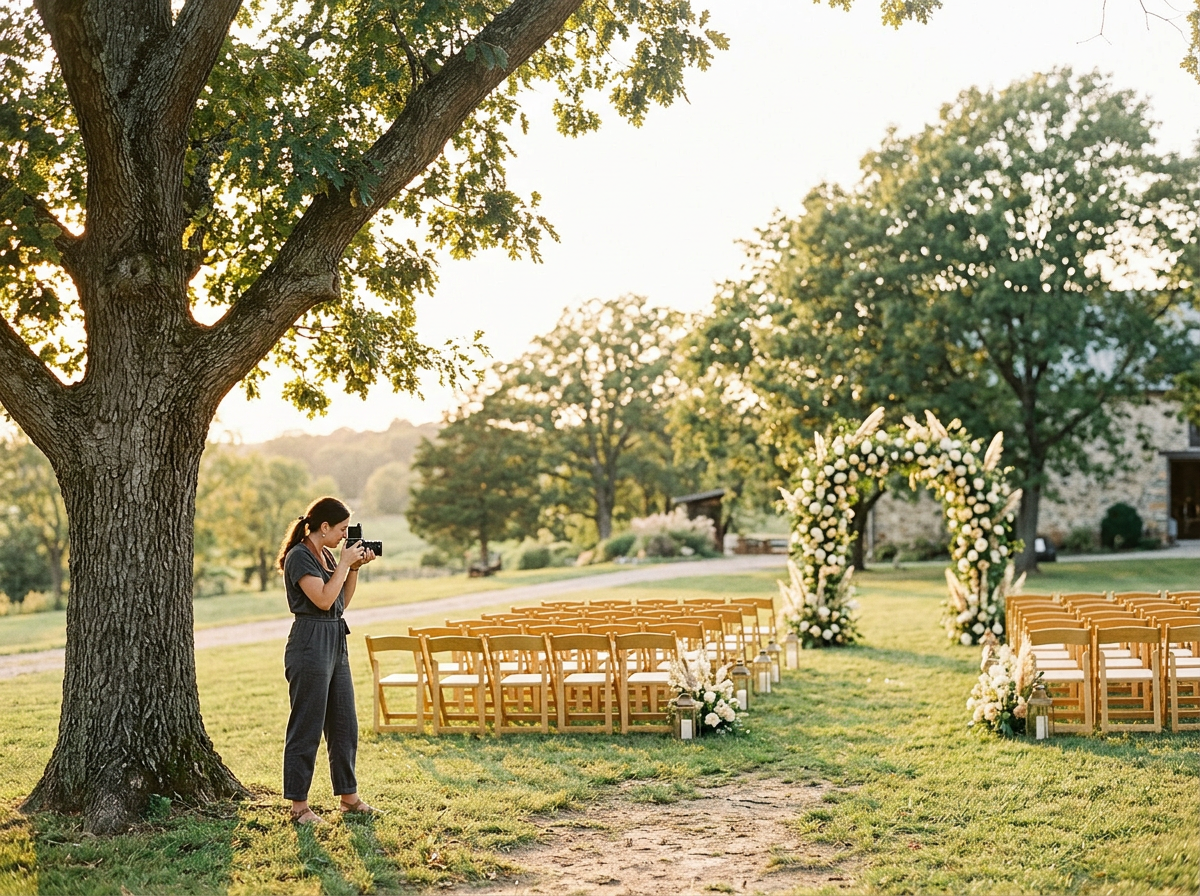 Image 3 of 4
 Image 4 of 4
Wedding Photographer Client Questionnaire Template, Canva Editable Pre-Wedding Consultation Form, Shot List & Photography Timeline, Business Kit
Wedding Photographer Client Questionnaire Template — Canva Editable Pre-Wedding Consultation Form, Shot List & Photography Timeline, Business Kit
What’s included
Canva-editable Pre-Wedding Consultation Form (print + digital versions)
Client Questionnaire Template (wedding-day details, preferences, logistics)
Shot List Template (bride, groom, family, bridal party, details, ceremony, reception)
Photography Timeline Template (hours, key moments, buffer times)
Vendor Contact Sheet
Day-of Emergency Checklist
Contract Checklist & Client Deliverables List
Pricing Guide Template (optional sections for packages, add-ons, travel fees)
Client Welcome Email / Session Confirmation Templates
How-to Notes: Quick guide to customizing in Canva and delivering to clients
How to use
Open in Canva and replace placeholders with your logo, colors, fonts, and studio name.
Customize fields to match your workflow (e.g., deposit %, editing turnaround).
Export as PDF for clients and PNG/JPEG for any visual shot lists you want to print.
Send the editable link to clients for digital completion or attach the PDF to your welcome packet.
Wedding Photographer Client Questionnaire Template, Canva Editable Pre-Wedding Consultation Form, Shot List & Photography Timeline, Business Kit
Wedding Photographer Client Questionnaire Template — Canva Editable Pre-Wedding Consultation Form, Shot List & Photography Timeline, Business Kit
What’s included
Canva-editable Pre-Wedding Consultation Form (print + digital versions)
Client Questionnaire Template (wedding-day details, preferences, logistics)
Shot List Template (bride, groom, family, bridal party, details, ceremony, reception)
Photography Timeline Template (hours, key moments, buffer times)
Vendor Contact Sheet
Day-of Emergency Checklist
Contract Checklist & Client Deliverables List
Pricing Guide Template (optional sections for packages, add-ons, travel fees)
Client Welcome Email / Session Confirmation Templates
How-to Notes: Quick guide to customizing in Canva and delivering to clients
How to use
Open in Canva and replace placeholders with your logo, colors, fonts, and studio name.
Customize fields to match your workflow (e.g., deposit %, editing turnaround).
Export as PDF for clients and PNG/JPEG for any visual shot lists you want to print.
Send the editable link to clients for digital completion or attach the PDF to your welcome packet.