 Image 1 of 3
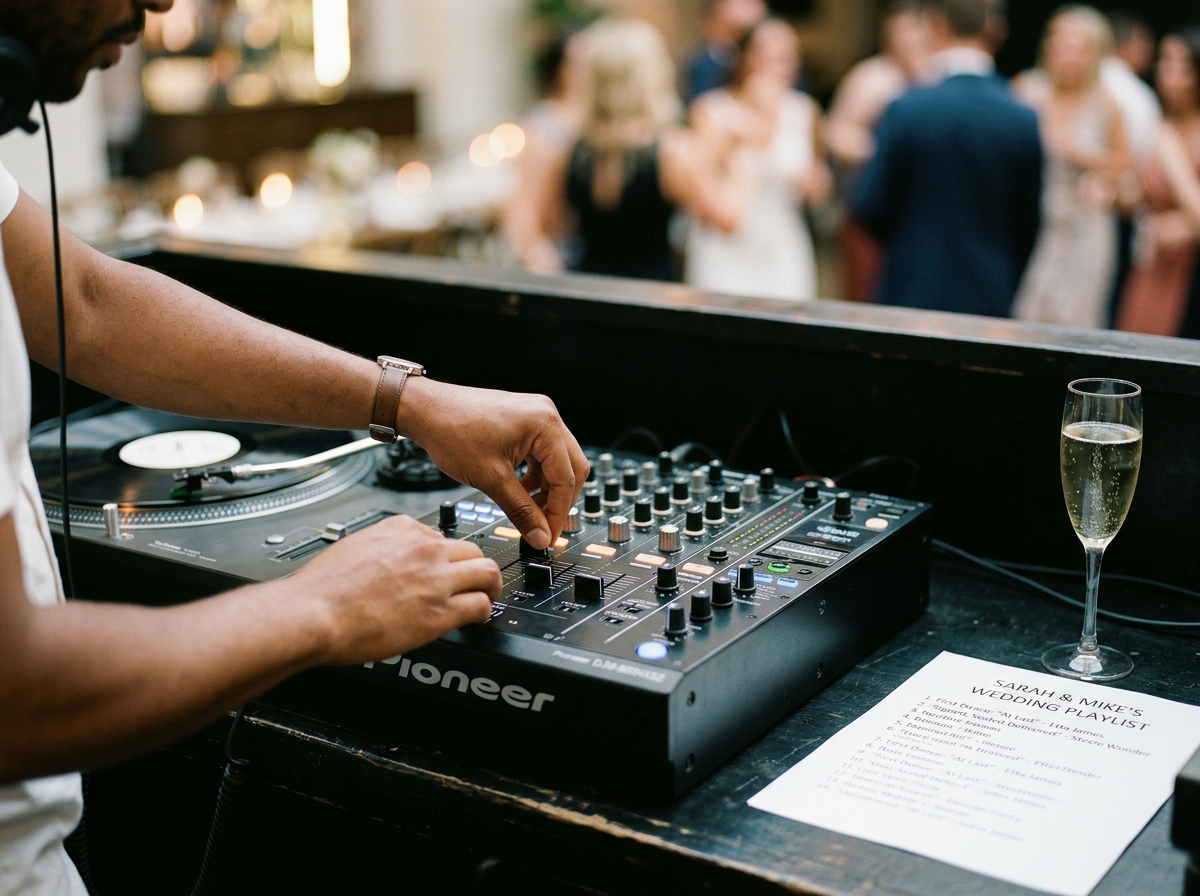 Image 2 of 3
 Image 3 of 3
Wedding DJ Client Questionnaire Template Canva-Editable Music Request & Timeline Form Do Not Play List • DJ/MC Planning Kit for Weddings
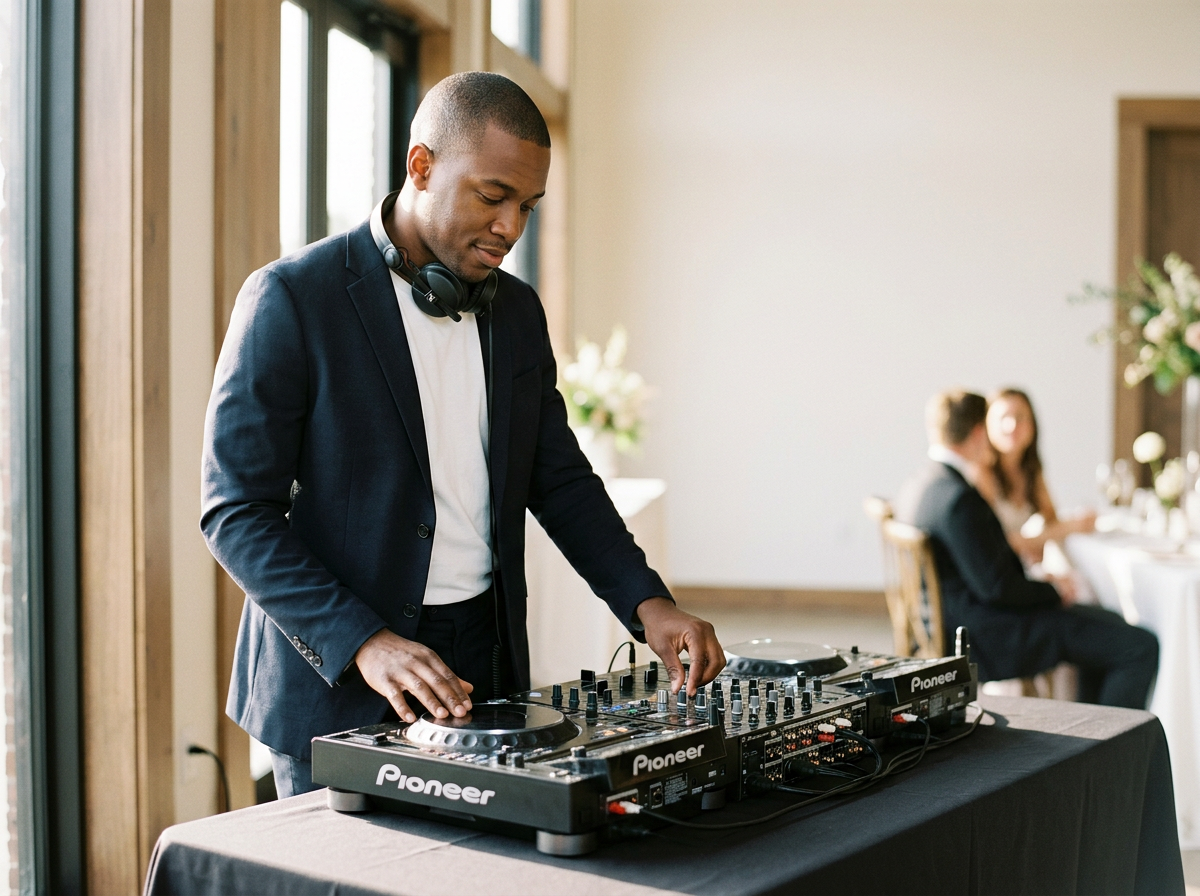
Use this customizable kit to gather all the information a wedding DJ needs to plan a flawless reception. Designed for easy editing in Canva, the template includes sections for contact details, timeline, song requests, do-not-play lists, ceremony music, special announcements, and MC notes.
How to Use
Copy the template into your Canva account and customize fonts, colors, and branding.
Share the editable link with your clients or export as PDF for email.
Collect completed forms at the planning meeting or at least 2–4 weeks before the wedding.
Sections and Field Suggestions
Client & Event Details
Bride/Partner 1 name
Groom/Partner 2 name
Preferred names/nicknames for announcements
Primary contact name
Phone number(s)
Email address
Event date
Ceremony start time
Cocktail hour start time
Reception start time
Reception end time
Venue name & address
On-site contact (coordinator/manager) name & phone
Backup contact (family/friend) name & phone
Indoor/outdoor? (note sound or power considerations)
Expected guest count
Ceremony Music
Processional: Artist/song or description (instruments, live accompaniment, walking pace)
Bridal party entrance: Song or cue
Bride’s entrance: Song or cue
Unity ceremony/ladies/grooms: Song or cue (if applicable)
Recessional: Song or cue
Special instructions (timing, fade in/out, live musician coordination)
Microphone needs (officiant, readers, musicians)
Cocktail Hour & Pre-Reception
Musical style/vibe (e.g., acoustic, jazz, upbeat lounge)
Volume preference (background/conversation level)
Request specific artists/songs or playlist link
Any do-not-play restrictions during cocktail hour
Reception Timeline & Order of Events
Grand entrance time & preferred entrance song(s)
First dance: Artist/song and special intro instructions
Parent dances: Details for parent/partner dances (song, who dances with whom)
Toasts/speeches: Who will speak and approximate times
Cake cutting: Song choice and timing
Bouquet toss/Garter toss: Include or skip; song choices
Last dance: Song choice and desired send-off
Timeline buffer notes (e.g., allow 5–10 minutes between speeches and dances)
Timeline confirmation: Client accepts that times are approximate and subject to venue/caterer flow
Dance Floor & Music Preferences
Overall musical vibe (check all that apply): Top 40, Pop, Oldies, Motown, Classic Rock, Country, R&B/Soul, Hip-Hop, EDM, Latin, Reggaeton, Jazz, Funk, Disco, Indie/Alternative, Bluegrass, Other (specify)
Top 10 must-play songs (list artist + song)
Top 10 do-not-play songs (see separate Do Not Play List section)
Crowd-pleasers to include or avoid
Requests for clean/edited versions only (yes/no)
Remix/extended versions allowed? (yes/no)
Request for live mixing or radio-style transitions (preference)
Do Not Play List (required)
Reason for restriction (optional): explicit lyrics, ex-partner association, religious/cultural concerns, genre dislike, etc.
Do-not-play entries: space for at least 20 songs
Emergency override policy: DJ may ask for clarification if the requested ban conflicts with client’s stated vibe
Wedding DJ Client Questionnaire Template Canva-Editable Music Request & Timeline Form Do Not Play List • DJ/MC Planning Kit for Weddings
Use this customizable kit to gather all the information a wedding DJ needs to plan a flawless reception. Designed for easy editing in Canva, the template includes sections for contact details, timeline, song requests, do-not-play lists, ceremony music, special announcements, and MC notes.
How to Use
Copy the template into your Canva account and customize fonts, colors, and branding.
Share the editable link with your clients or export as PDF for email.
Collect completed forms at the planning meeting or at least 2–4 weeks before the wedding.
Sections and Field Suggestions
Client & Event Details
Bride/Partner 1 name
Groom/Partner 2 name
Preferred names/nicknames for announcements
Primary contact name
Phone number(s)
Email address
Event date
Ceremony start time
Cocktail hour start time
Reception start time
Reception end time
Venue name & address
On-site contact (coordinator/manager) name & phone
Backup contact (family/friend) name & phone
Indoor/outdoor? (note sound or power considerations)
Expected guest count
Ceremony Music
Processional: Artist/song or description (instruments, live accompaniment, walking pace)
Bridal party entrance: Song or cue
Bride’s entrance: Song or cue
Unity ceremony/ladies/grooms: Song or cue (if applicable)
Recessional: Song or cue
Special instructions (timing, fade in/out, live musician coordination)
Microphone needs (officiant, readers, musicians)
Cocktail Hour & Pre-Reception
Musical style/vibe (e.g., acoustic, jazz, upbeat lounge)
Volume preference (background/conversation level)
Request specific artists/songs or playlist link
Any do-not-play restrictions during cocktail hour
Reception Timeline & Order of Events
Grand entrance time & preferred entrance song(s)
First dance: Artist/song and special intro instructions
Parent dances: Details for parent/partner dances (song, who dances with whom)
Toasts/speeches: Who will speak and approximate times
Cake cutting: Song choice and timing
Bouquet toss/Garter toss: Include or skip; song choices
Last dance: Song choice and desired send-off
Timeline buffer notes (e.g., allow 5–10 minutes between speeches and dances)
Timeline confirmation: Client accepts that times are approximate and subject to venue/caterer flow
Dance Floor & Music Preferences
Overall musical vibe (check all that apply): Top 40, Pop, Oldies, Motown, Classic Rock, Country, R&B/Soul, Hip-Hop, EDM, Latin, Reggaeton, Jazz, Funk, Disco, Indie/Alternative, Bluegrass, Other (specify)
Top 10 must-play songs (list artist + song)
Top 10 do-not-play songs (see separate Do Not Play List section)
Crowd-pleasers to include or avoid
Requests for clean/edited versions only (yes/no)
Remix/extended versions allowed? (yes/no)
Request for live mixing or radio-style transitions (preference)
Do Not Play List (required)
Reason for restriction (optional): explicit lyrics, ex-partner association, religious/cultural concerns, genre dislike, etc.
Do-not-play entries: space for at least 20 songs
Emergency override policy: DJ may ask for clarification if the requested ban conflicts with client’s stated vibe